Your free AI
language tutor.
On your phone.
Have conversations with your AI language tutor for free. Speak or type, ask questions and get help. Download your models and content to practise offline.
Free conversations. No account needed. Phone requirements
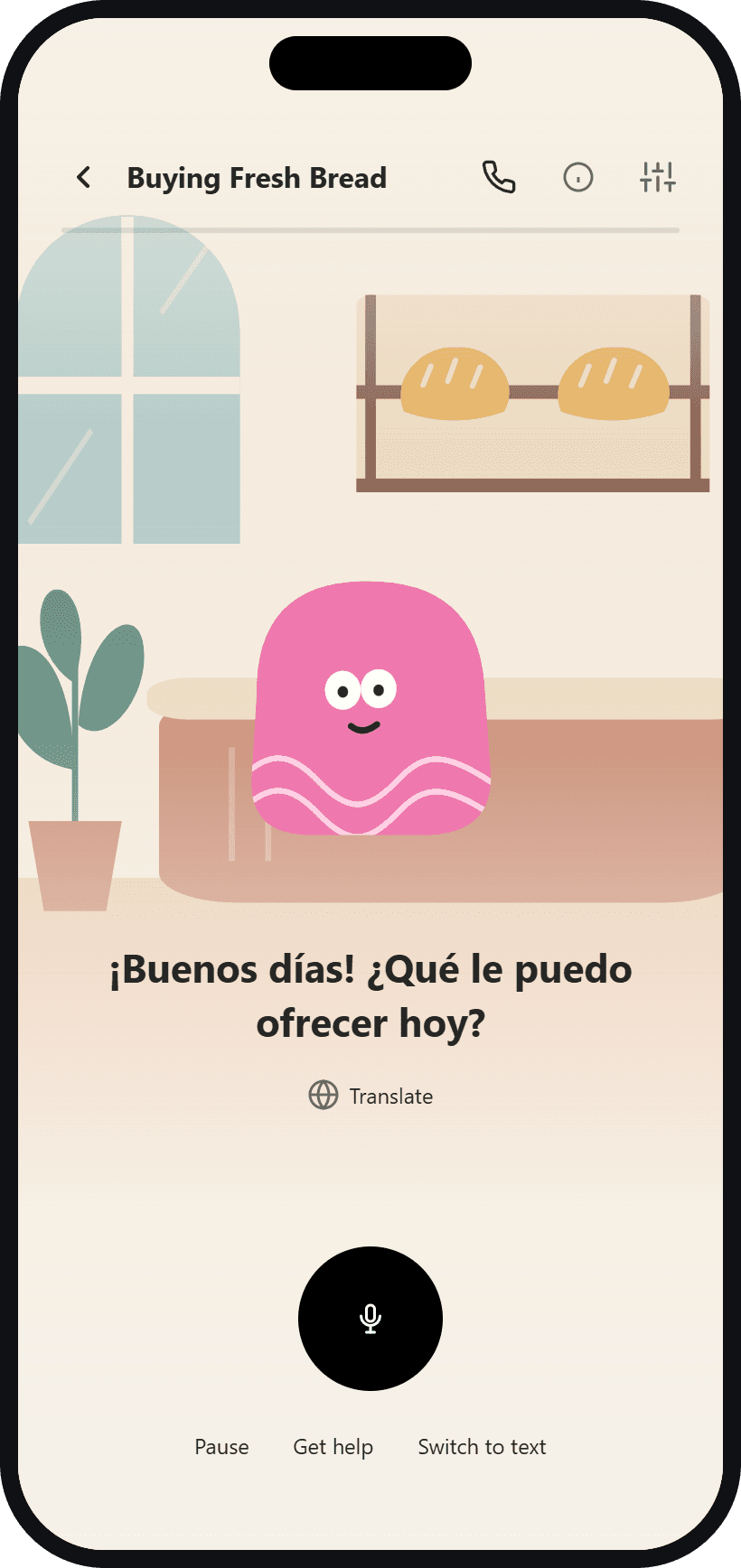
One of many ways to practise.
The AI is on your phone
No signal?
Keep practising.
Your phone does the listening, thinking and speaking. The tutor doesn’t need a cloud AI service to answer you.
How offline AI worksIt listens
Speech recognition turns your voice into text.
It responds
The language model generates your tutor’s reply.
It speaks
The speech model reads the answer aloud.
Download models and content first. Your raw microphone audio stays on-device. If Cloud Sync is enabled, saved text history and progress can sync when connected.
Read the privacy detailsOne tutor. Several ways to learn.
A conversation.
A lesson. A little study.
Use the language, understand it, then revisit what you want to remember.
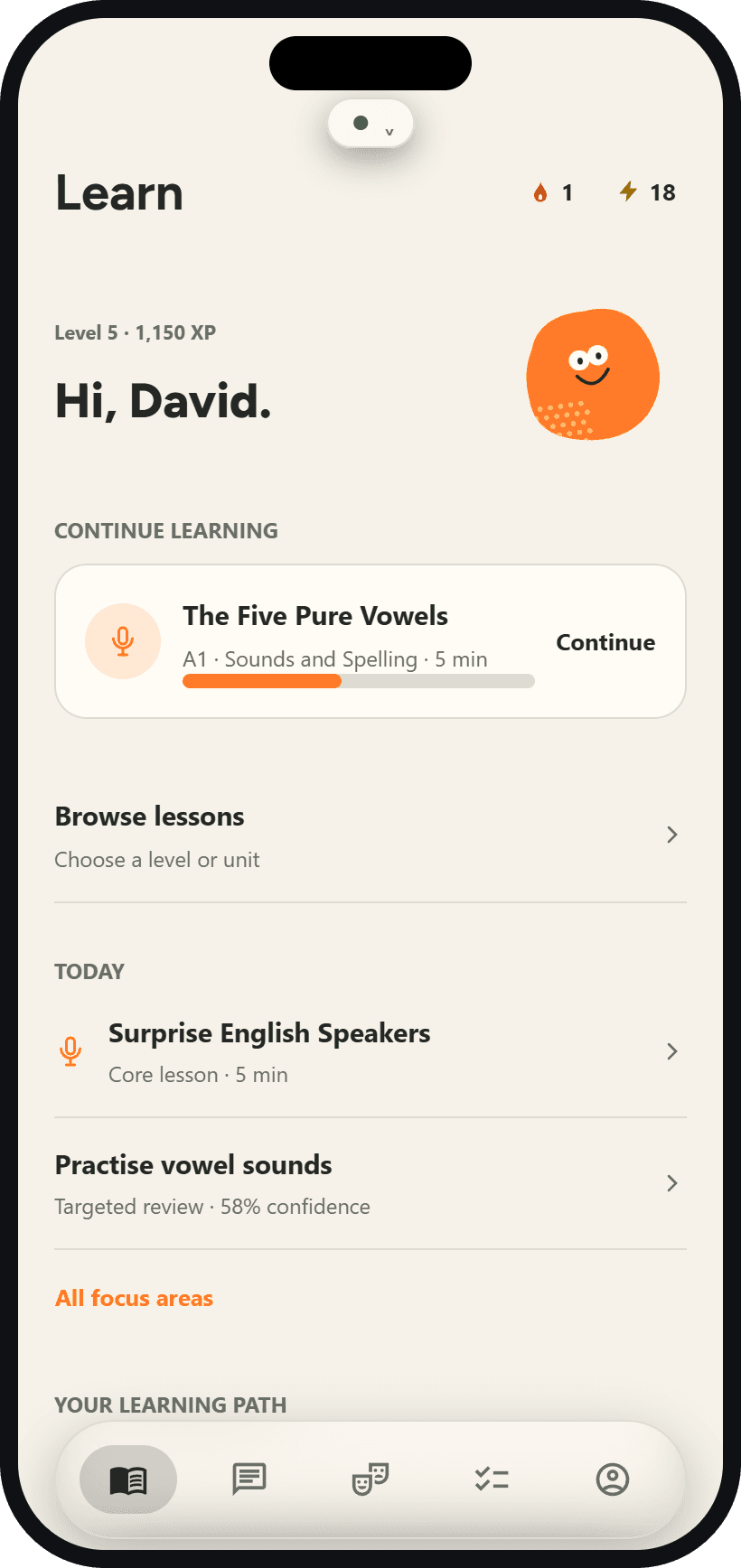
Follow a lesson plan
Build your skills with guided lessons, explanations and interactive exercises. Pick up where you left off, or browse what you want to learn.
Getting started
Set up once.
Take it with you.
- 01
Choose your language and plan
Tell Sayelle what you want to learn and where you’re starting.
- 02
Download your tutor
Install the AI and speech models over a stable connection. Keep several gigabytes free for the models and working space.
- 03
Start your first conversation
Meet your tutor, try the intro lesson, and download the content you want for offline practice.
Languages
What will you learn?
Choose the language you’re learning and the language you want explanations in.
 English
 Spanish
 French
 Italian
 Portuguese
 German
 Chinese
 Hindi
Hindi Japanese
Sayelle Plus
More room
to practise.
Conversations with your tutor are free and unlimited. Plus is optional: upgrade for more lessons, scenarios and custom content.
Pricing is shown in the app before you subscribe.
Unlimited practice energy
Keep going with your lessons and scenarios.
All Plus lessons and scenarios
Explore the full collection.
Your own lessons and scenarios
Create practice for the topics you care about.
No ads
Focus on what you’re learning.
What is Sayelle?
Sayelle is a free AI language tutor app for iPhone and Android. You speak or type with a tutor that runs on your phone, follow guided lessons and scenarios, and review with study tools. After a one-time model download, conversations work offline, even in airplane mode. It teaches English, Spanish, French, Italian, Portuguese, German, Chinese, Hindi and Japanese.
Is Sayelle free?
Yes. Conversations with your AI tutor are free and unlimited. You can also use lessons, scenarios and study tools for free. Some activities use practice energy, and some content requires Plus. The optional Plus subscription adds unlimited energy, the full content collection, custom content and no ads.
What can I do offline?
After downloading your models and content, speech recognition, AI replies and spoken answers run on your device. Keep lessons, scenarios and study material downloaded for offline practice. Sign-in, purchases, ads, syncing and content updates need a connection.
What do I need to download?
Sayelle installs the AI tutor and speech models on your phone. Allow several gigabytes of free space and use a stable connection for setup. You can then download the lessons and scenarios you want to practise offline.
What phone do I need?
Sayelle runs its AI tutor, speech recognition and voice on your phone, so it works best on a recent phone with plenty of memory. On iPhone you need iOS 18 or later. On Android you need Android 8.0 or later, and 8 GB of memory or more is recommended. Allow about 4 GB of free space for the one-time model download, best done over Wi-Fi. On older or lower-memory phones, conversations may be slower and the app may close during voice practice. On Android, Sayelle shows a one-time notice if your phone is below the recommended memory.
Is it only for speaking?
No. You can speak or type, follow guided lessons, practise scenarios, ask your tutor questions, and review with flashcards and other study activities.
Do I need an account or a subscription?
You can start as a guest. Free, unlimited tutor conversations do not require a subscription. Sign in to keep your progress across devices. Sayelle Plus adds unlimited practice energy, all Plus lessons and scenarios, custom content and an ad-free experience. Subscription prices are shown in the app.
Is Sayelle available on Android?
Yes. Sayelle is available on Google Play for Android and on the App Store for iPhone.
Sayelle for iPhone and Android
Your next lesson
can be anywhere.


Free to download. Offline practice after setup.